|
|
|
|||
|
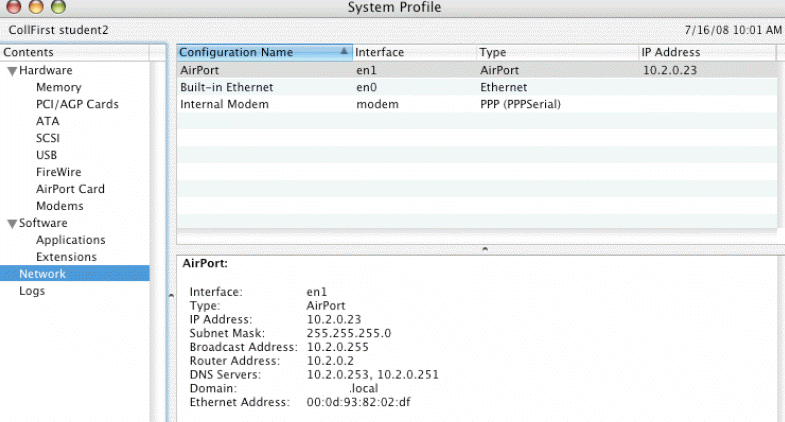
How to check DNS settings in Mac
There are many ways to check DNS in Apple computer.
A. Use command line.
Run Terminal by launching Applications --> Utilities --> Terminal, then simply type in cat /etc/resolv.conf. Here's an example: $ cat /etc/resolv.conf domain chicagotech.net. nameserver 69.89.25.172 B. Use System Preferences.
Post your questions, comments, feedbacks and suggestions Related Topics
How to enable the
Windows File Sharing
On Mac |
|
|
This web is provided "AS IS" with no warranties.
Copyright © 2002-2018
ChicagoTech.net,
All rights reserved. Unauthorized reproduction forbidden.