|
|
|
|||
|
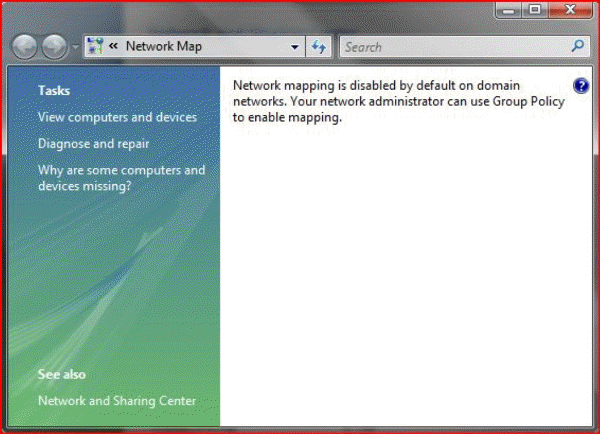
How to enable Windows Vista the Network Map By design, Windows Vista enables the Network Map by default if the network location is as “Home.” However, LLTD and, therefore, the Network Map are both disabled by default in “Work” and “Public” locations. If you receive this message “Network mapping is disabled by default on domain networks. Your network administrator can use Group Policy to enable mapping” and would like to enable it, please following steps:
1. Run the Group Policy Object Editor (gpedit.msc) as an administrator on the local machine. 2. Navigate the tree to Local Computer Policy -> Computer Configuration -> Administrative Templates -> Network -> Link-Layer Topology Discovery. Post your questions, comments, feedbacks and suggestions Related Topics
|
|
|
This web is provided "AS IS" with no warranties.
Copyright © 2002-2018
ChicagoTech.net,
All rights reserved. Unauthorized reproduction forbidden.