|
|
|
|||
|
Home | Troubleshooting | Quick Setup | Cisco How to | Data Recovery | Forums | Blog | IT Exam Practice | Services | About Us | Chicagotech MVP | Search | Contact Us | |
|
How to use vSphere Web Access
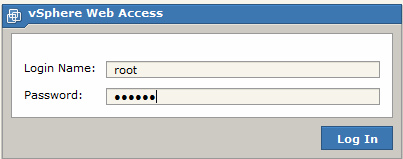
1. Open https://esxhostname or IP address, and click Web Access or open https://esxhostname/ui/# 2. In the vSphere Web Access log in page, enter the credentials.
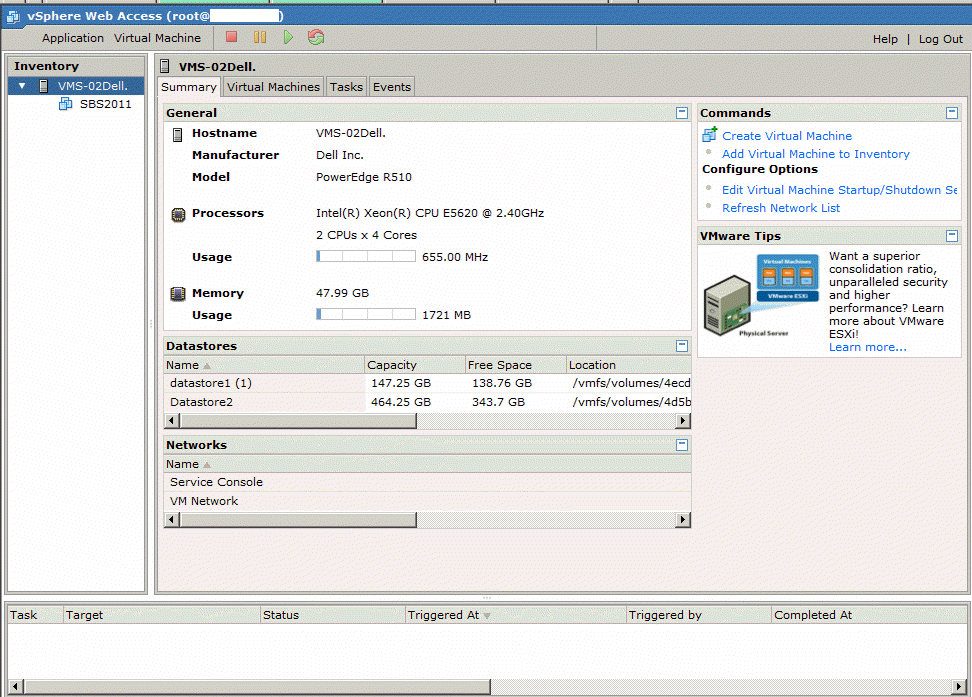
3. In the Application Virtual Machine, you can see all VMs, host information such as processors, memory, datastores. You can create a new VM, add a VM to the Inventory, edit VM startup and shutdown settings.
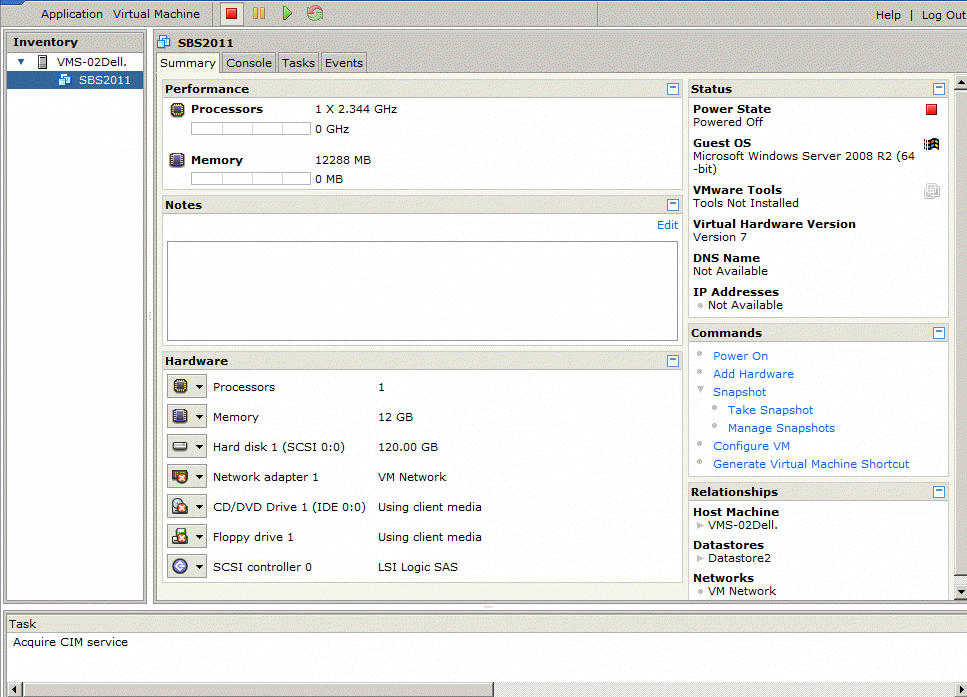
4. You can also remote access a VM, power on or off a VM, add/edit hardware
Post your questions, comments, feedbacks and suggestions Related Topics
|
|
|
This web is provided "AS IS" with no warranties.
Copyright © 2002-2018
ChicagoTech.net,
All rights reserved. Unauthorized reproduction forbidden.