|
|
|
|||
|
Home | Troubleshooting | Quick Setup | Cisco How to | Data Recovery | Forums | Blog | IT Exam Practice | Services | About Us | Chicagotech MVP | Search | Contact Us | |
|
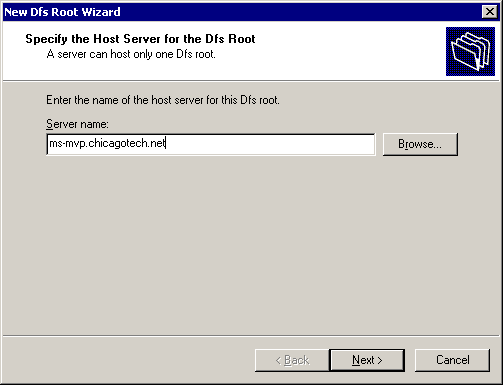
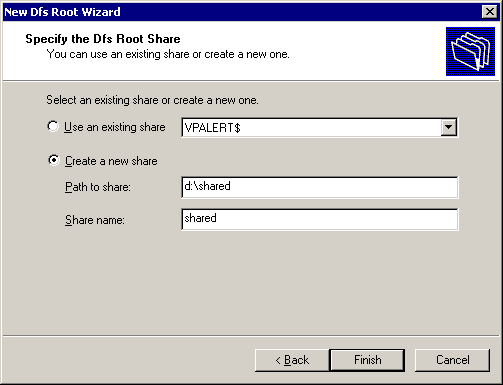
How to add DFS Replica To provide fault-tolerance for Distributed File System, you may want to create Root replica that duplicates an existing DFS root. The DFS root can be hosted on a member server or on a domain controller. To add a new Dfs root replica please follow these steps:
Note: You can actually see the Dfs information using the Active Directory Users and Computers snap-in, select Advanced Features view, System, Dfs.
Post your questions, comments, feedbacks and suggestions Related Topics
|
|
|
This web is provided "AS IS" with no warranties.
Copyright © 2002-2018
ChicagoTech.net,
All rights reserved. Unauthorized reproduction forbidden.