|
|
|
|||
|
How to install Exchange 2003 SP2 in SBS server
1.
Download and extract the Exchange 2003 SP2.
2.
Backup the Exchange “Microsoft Information Store”
3.
Uninstall IMF (Intelligent Message Filter)
if
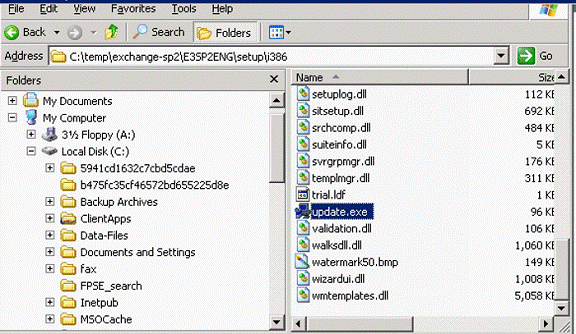
4. Run
update.exe as show below.
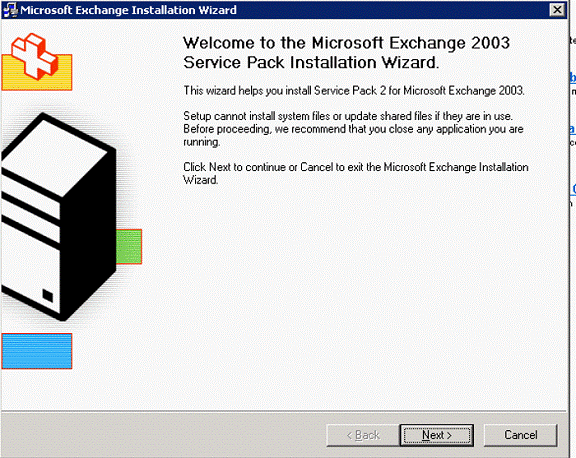
5. In
Welcome to the SP2 wizard, click Next to continue.
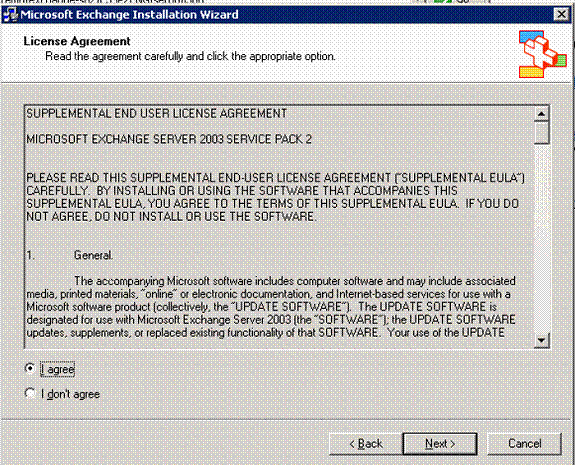
6. In
the License agreement screen, click Next
to continue.
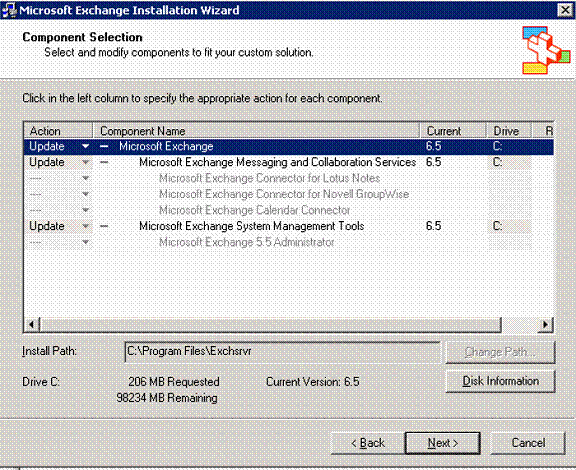
7. In
component selection, the Action shows upgrade and
Next to continue.
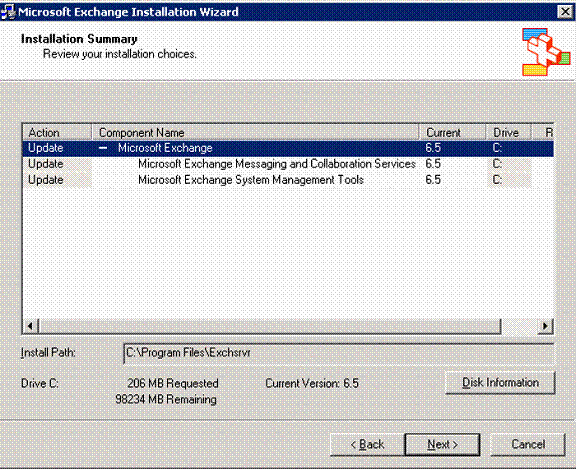
8. In
the Installation summary, make sure you have
enough free space and click Next to start the upgrade.
9.
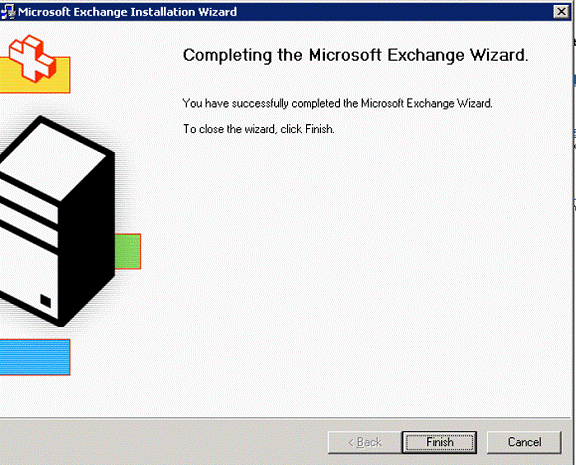
The upgrade may take 15 to 20 minutes. When
completing the upgrade, your exchange is now running Microsoft Exchange SP2
on SBS 2003 that is Exchange
Version 6.5 (Build 7638.2: Service Pack 2)..
Post your questions, comments, feedbacks and suggestions Related Topics
|
|
|
This web is provided "AS IS" with no warranties.
Copyright © 2002-2018
ChicagoTech.net,
All rights reserved. Unauthorized reproduction forbidden.